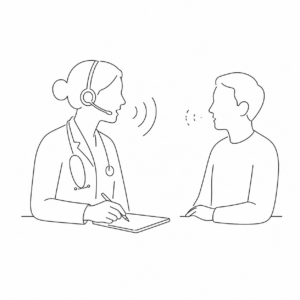

As we’ve worked with providers using SNAP and reviewed note-generation challenges across different visit settings, we’ve noticed a common pattern: audio quality often has a significant impact on both note accuracy and generation time.
SNAP generates SOAP notes based on the conversations it hears. When audio is clear, notes are more accurate, complete, and generated more efficiently.
A simple rule of thumb: SNAP can only document what it can clearly hear.
If you’re an active SNAP user, the recommendations below can help improve note quality and create a more consistent experience across different visit scenarios.
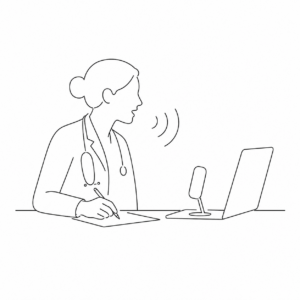
1. Recording a summary after the patient leaves
- Speak clearly and close to your microphone.
- Use a quality headset or microphone when available.
- Record in a quiet environment whenever possible.
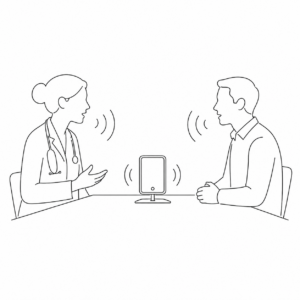
2. Speaking with a patient across a desk
- Position your device where it can clearly capture both voices.
- Avoid placing the microphone too close to one participant and too far from the other.
- Ensure both speakers can be heard comfortably from the device’s location
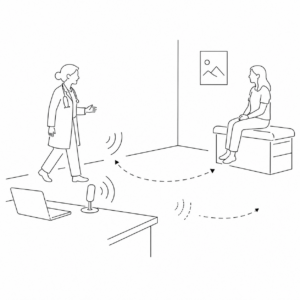
3. Moving around during the visit
- Audio quality can become inconsistent when providers and patients are moving around the room.
- Changes in distance from the microphone can make portions of the conversation difficult to capture.
- When possible, return to your desk to continue the discussion or record your summary.
4. Using wireless headsets
- Many wireless headsets are designed to prioritize the wearer’s voice.
- Some devices actively reduce surrounding voices and ambient sounds.
- While helpful for calls, this can make it harder for SNAP to clearly capture patient responses.