

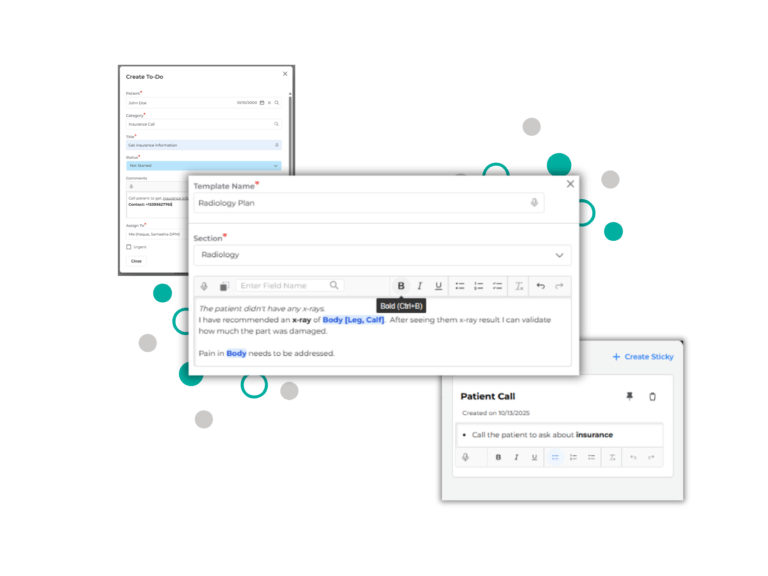
If you’ve ever scrolled through a wall of text trying to find one key line, you know how it feels: slow, tiring, and easy to miss what matters.
That’s what we kept hearing from practices using Populate. Because sometimes plain text just isn’t enough. Important details get buried in long paragraphs, and key takeaways lose their impact. For a provider reviewing 15 notes a day, even 30 seconds of re-scanning per note adds up to over 2 hours a week of wasted time. Multiply that across practices, clarity quickly becomes a productivity feature.
So our engineers thought it and built something amazing – Rich Text Formatting, now live across the entire Populate EMR. It’s a simple but powerful change that lets you write and read the way you think; structured, organized, and clear.
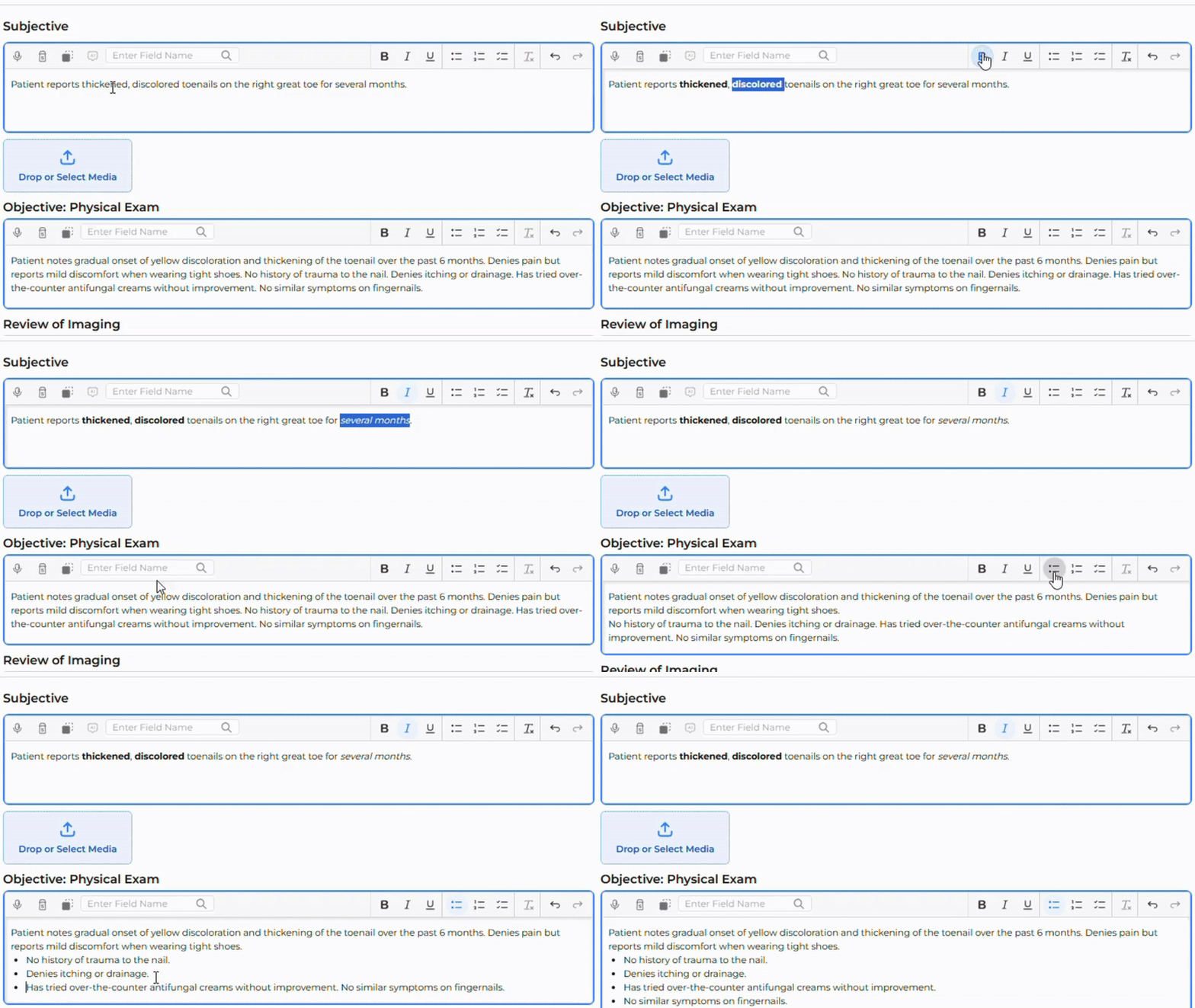
From Visit Notes to Stickies, you can now format your writing exactly how you want. Use bold to emphasize a plan, italics for subtle notes, or bullet points to organize findings. Add checklists for follow-ups and reorder your thinking as you go.
You’ll find all these options right where you expect them – on the toolbar above every text box, along with quick action items like undo, redo, and clear formatting for total control. And because consistency matters, these tools work the same way everywhere in Populate.
You can apply formatting as you type, or go back and organize existing templates — whether it’s a section or a master template. Your past notes and SNAP-generated notes can also be formatted anytime, and templates can be edited directly from Settings. We’ve extended Rich Text across the tools you already use for collaboration — To-Dos and Stickies — so your team can stay aligned and focused on what matters most.
Building this feature also meant solving some interesting technical challenges. There are many ways to store formatted text – we explored several and ultimately chose the one that would keep your notes most stable and consistent over time. To ensure all your existing notes continued to open perfectly, our engineers built a converter that automatically updates older notes to the new format whenever you open them. No migration, no risk, no surprises, just a seamless transition that works quietly behind the scenes.
Rich Text might sound like a small upgrade, but for clinicians documenting care every day, it’s a big one. It brings structure and clarity to the part of your workflow you touch most – your notes.
Now, every detail you write can look exactly the way you want your patients, and your teammates, to understand it.
Want to see how it works inside Populate?
Watch the full walkthrough → Rich Text Support across Populate